

Reading a thermal imaging camera means translating color into temperature and pattern into cause — and the second half takes the training. The camera does the physics; the operator decides whether a cool streak is missing insulation, an air leak, or last night’s rain, and this guide covers that judgment: what the colors actually represent, which palette to use for which job, why shiny surfaces lie and windows show your own reflection, and the four patterns that account for most of what a building inspection finds. The specifications behind the image — resolution, sensitivity, accuracy — are covered once for the whole topic in our guide to what thermal imaging is; this page assumes the camera is in hand and the screen is on.
The Image Is a Map, Not a Photograph
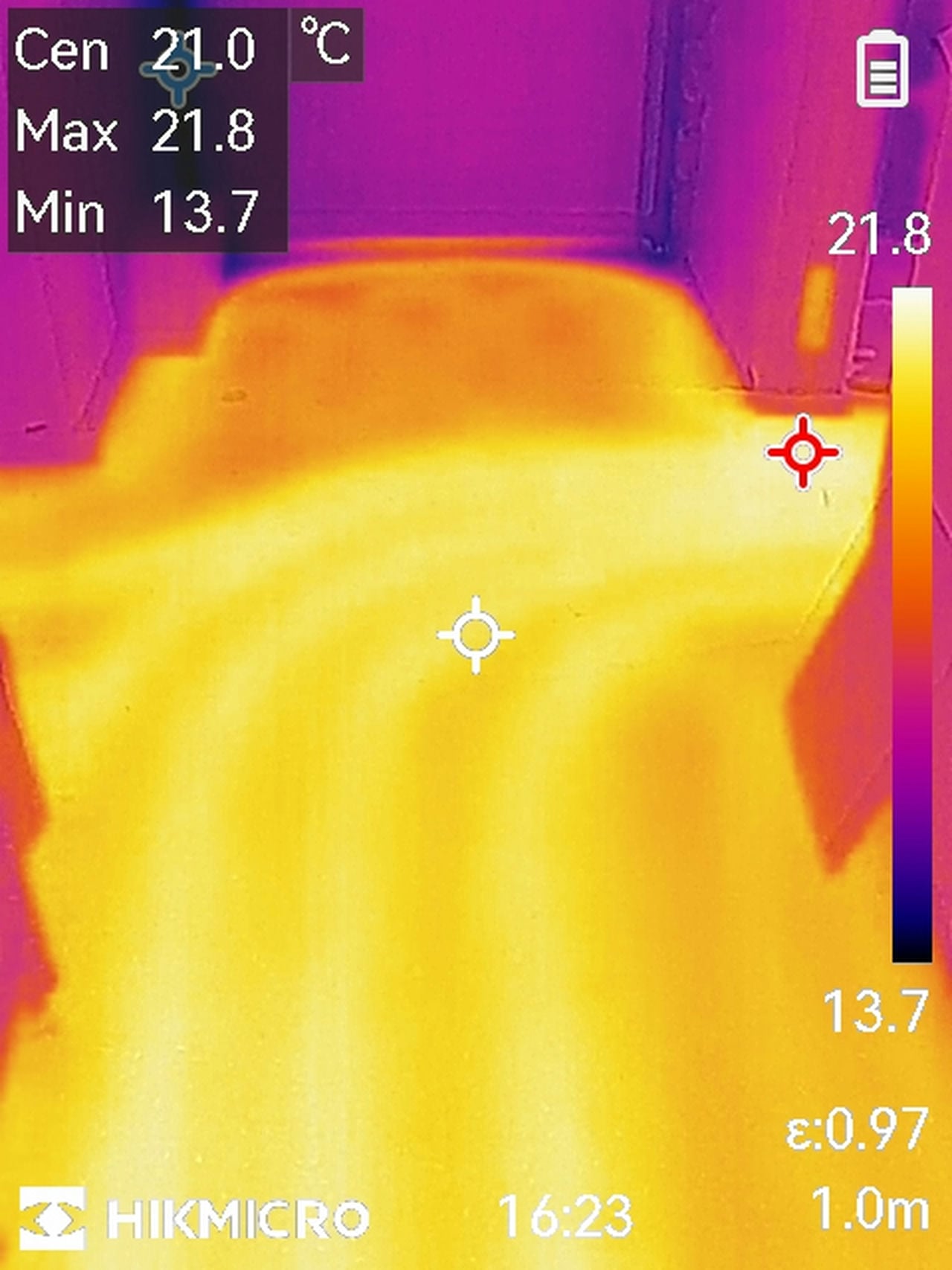
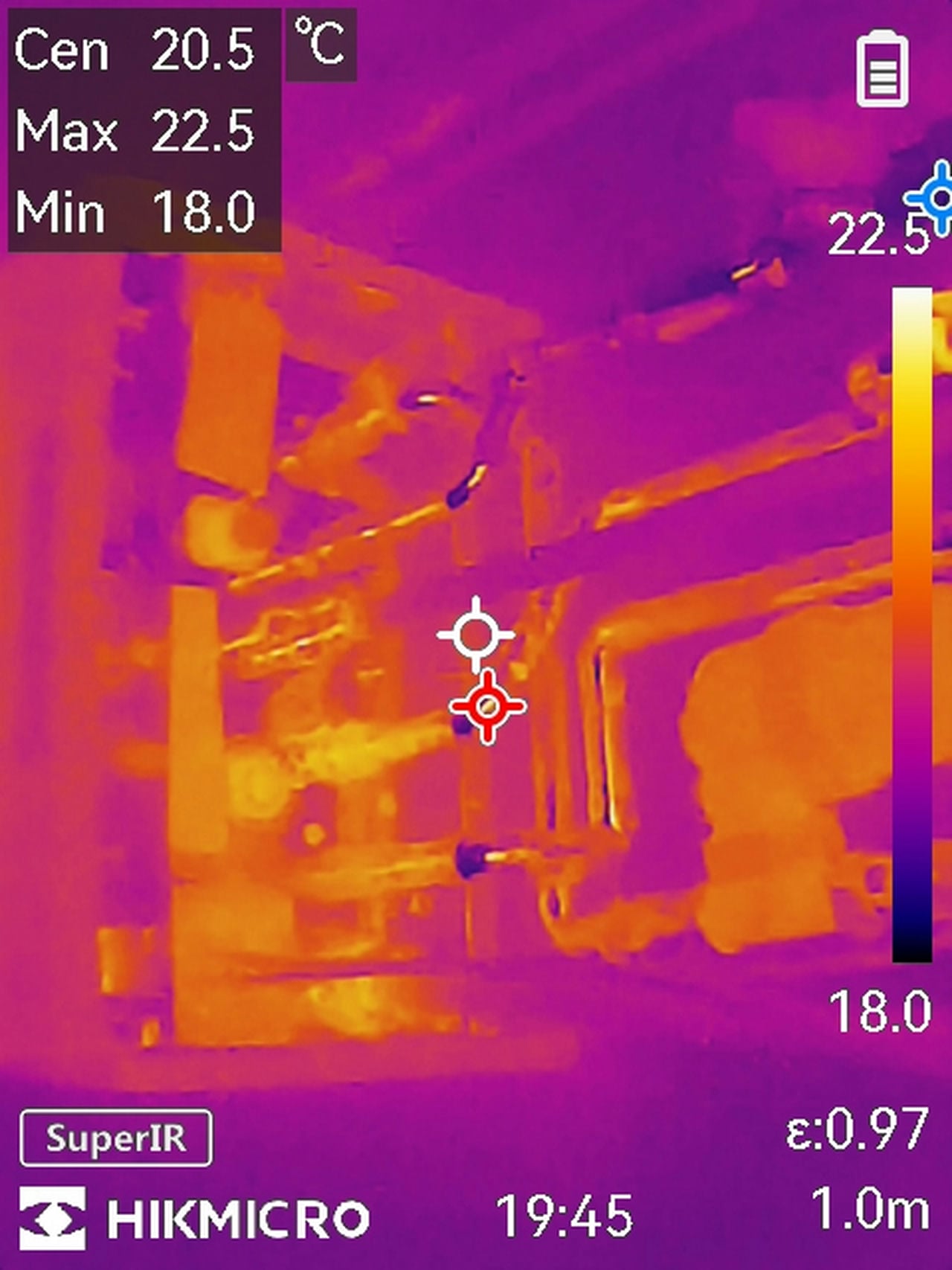
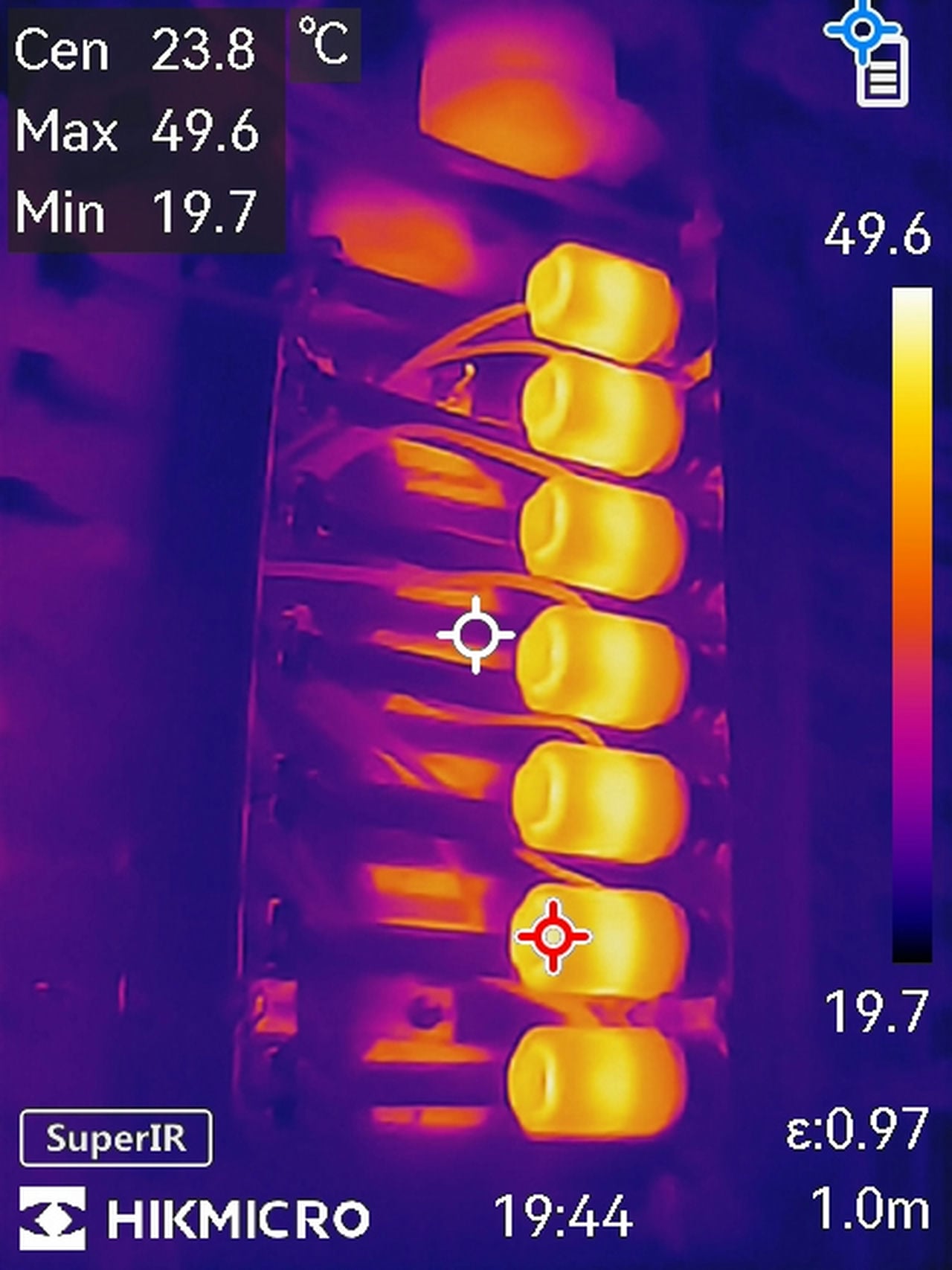
A thermal image is a temperature map wearing colors, and the single most misread thing about it is that the colors are relative. The camera continuously stretches its palette across whatever temperature span the scene contains — so the same wall photographed alone and then photographed next to a hot radiator changes color completely, though its temperature never moved. Every reading therefore starts with the scale at the image’s edge: the numbers, not the colors, say what is hot, and the colors only say what is hotter or cooler than the rest of this frame. Cameras offer manual span and level controls precisely to tame this — lock the span when comparing areas, and two images become comparable instead of two different automatic stretches.
Choosing the Palette
Palettes assign the colors, and the standard set — ironbow, rainbow, grayscale in its white-hot and black-hot forms — exists because different jobs need different renderings of the same data. Ironbow, the black-through-purple-to-yellow default, gives diagnostics the best of both worlds: enough color to make anomalies pop, enough tonal order to read intuitively, which is why it opens most inspections. Grayscale renders the most natural-looking image and the finest detail gradations — the choice for documentation and for picking structure out of clutter — with white-hot the usual convention and black-hot its inversion. Rainbow spreads the most colors across the span, which makes it the most sensitive-looking palette for small temperature differences and the noisiest for everything else; it earns its use on low-contrast scenes like moisture tracing and misleads on busy ones. The palette changes presentation only — the data underneath is identical, and switching palettes on a suspect area is free.
Emissivity: Why Shiny Surfaces Lie
Every surface emits infrared with a different efficiency — its emissivity, on a scale from 0 to 1 — and the camera’s temperature numbers are only as correct as the emissivity it assumes. Building interiors are forgiving: most organic, painted, or oxidized surfaces emit near 0.95, which is why cameras default there and readings on drywall, wood, and brick land close. Bare shiny metal is the standing exception — it emits almost nothing and mirrors the infrared around it, so a polished duct or chrome fitting reads as the temperature of whatever it reflects, usually appearing impossibly cold. The working values:
| Surface | Emissivity | Reading reliability at 0.95 setting |
|---|---|---|
| Painted surfaces, drywall | ~0.95 | Reliable |
| Wood | ~0.94 | Reliable |
| Red brick | ~0.93 | Reliable |
| Concrete | 0.92–0.95 | Reliable |
| Glass (surface) | ~0.92 | Surface only — also reflects |
| Oxidized aluminum | ~0.20–0.25 | Unreliable — adjust or tape |
| Polished chrome | ~0.10 | Reads reflections, not temperature |
| Polished aluminum | ~0.05 | Reads reflections, not temperature |
The field fix for low-emissivity targets is older than the cameras: a patch of matte tape or paint on the metal creates a high-emissivity spot that reads true, and serious cameras carry adjustable emissivity settings for the rest.
Reflections, Including Your Own
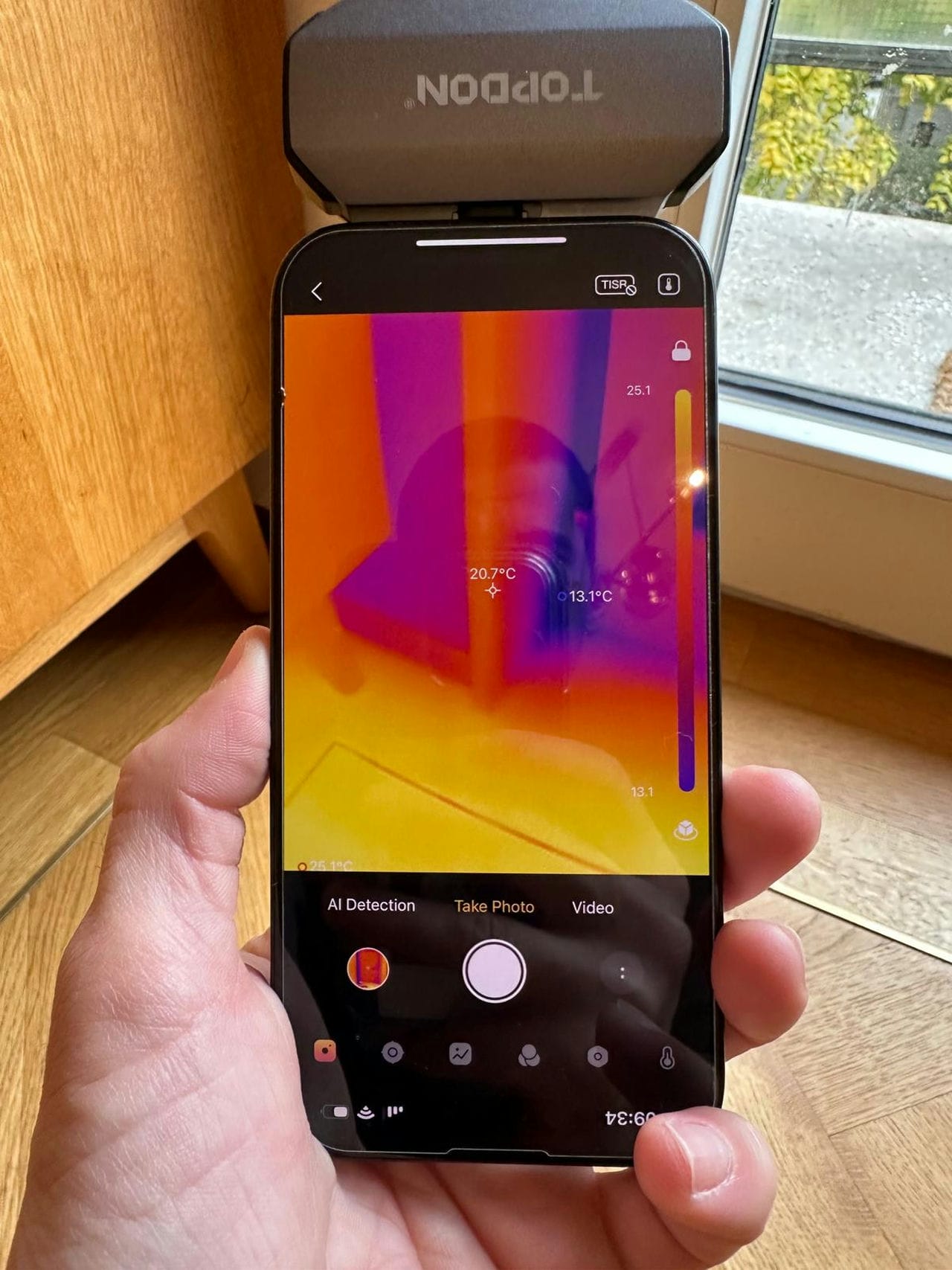
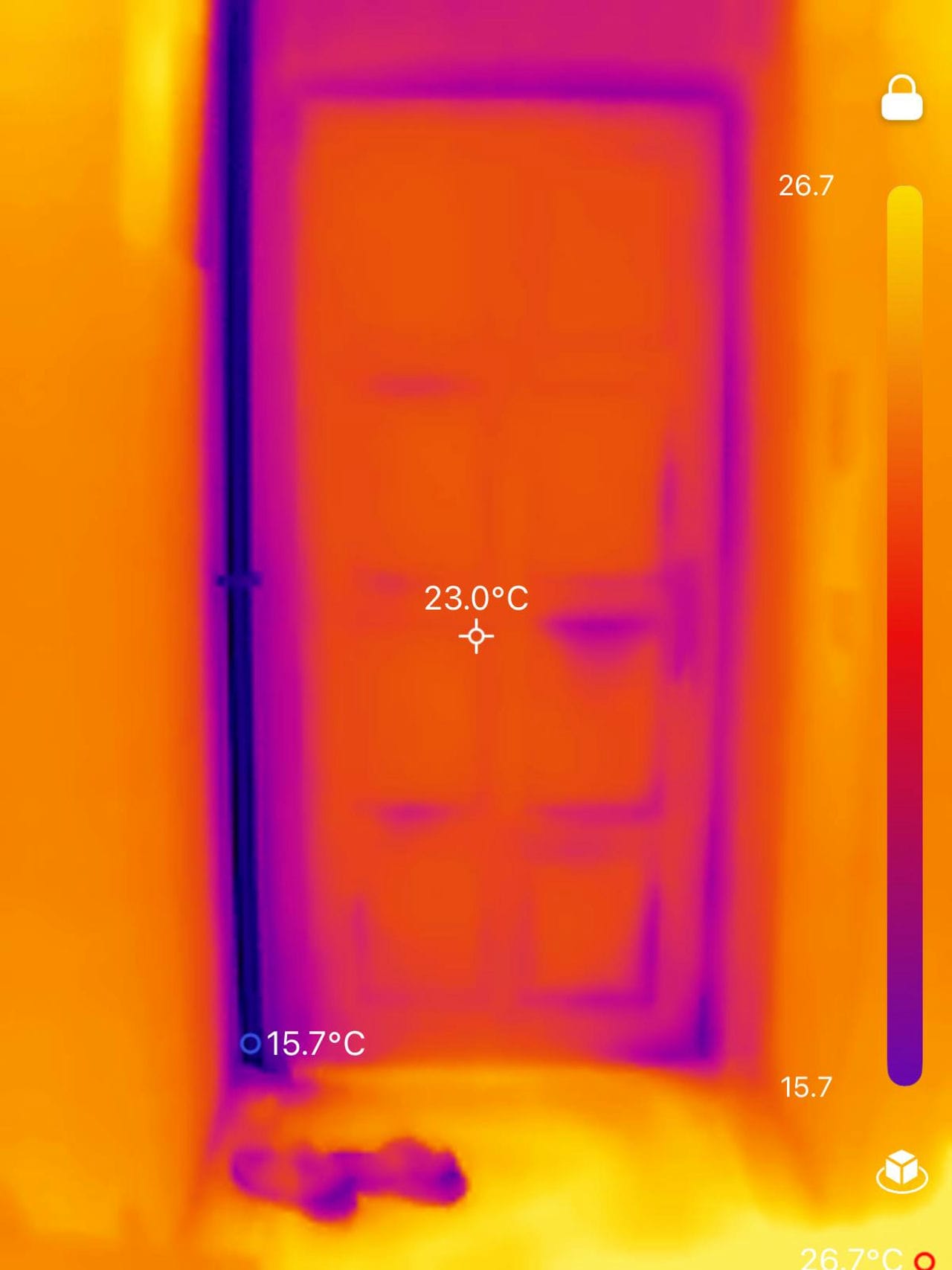
Long-wave infrared reflects off smooth surfaces the way light reflects off dim mirrors, and the reflections photograph as false temperatures. The classic demonstration is a window: glass is opaque to thermal infrared, so a thermal camera aimed at a window shows the operator’s own warm silhouette, and never the room beyond. The same physics puts phantom warm spots on glossy floors, polished stone, and metal roofs — and puts the cold of the open sky onto exterior surfaces that face it. The discipline is angular: when a suspicious reading sits on anything smooth, move two steps sideways and look again; a real temperature pattern stays put, and a reflection slides across the surface as you do.
Reading Buildings: The Four Patterns
Most residential findings resolve into four signatures, and telling them apart is the skill the whole guide builds toward. The conditions matter first — these patterns show when a sustained temperature difference exists between inside and out, which is why survey timing has its own rules, covered in our guide to how to use a thermal imaging camera.
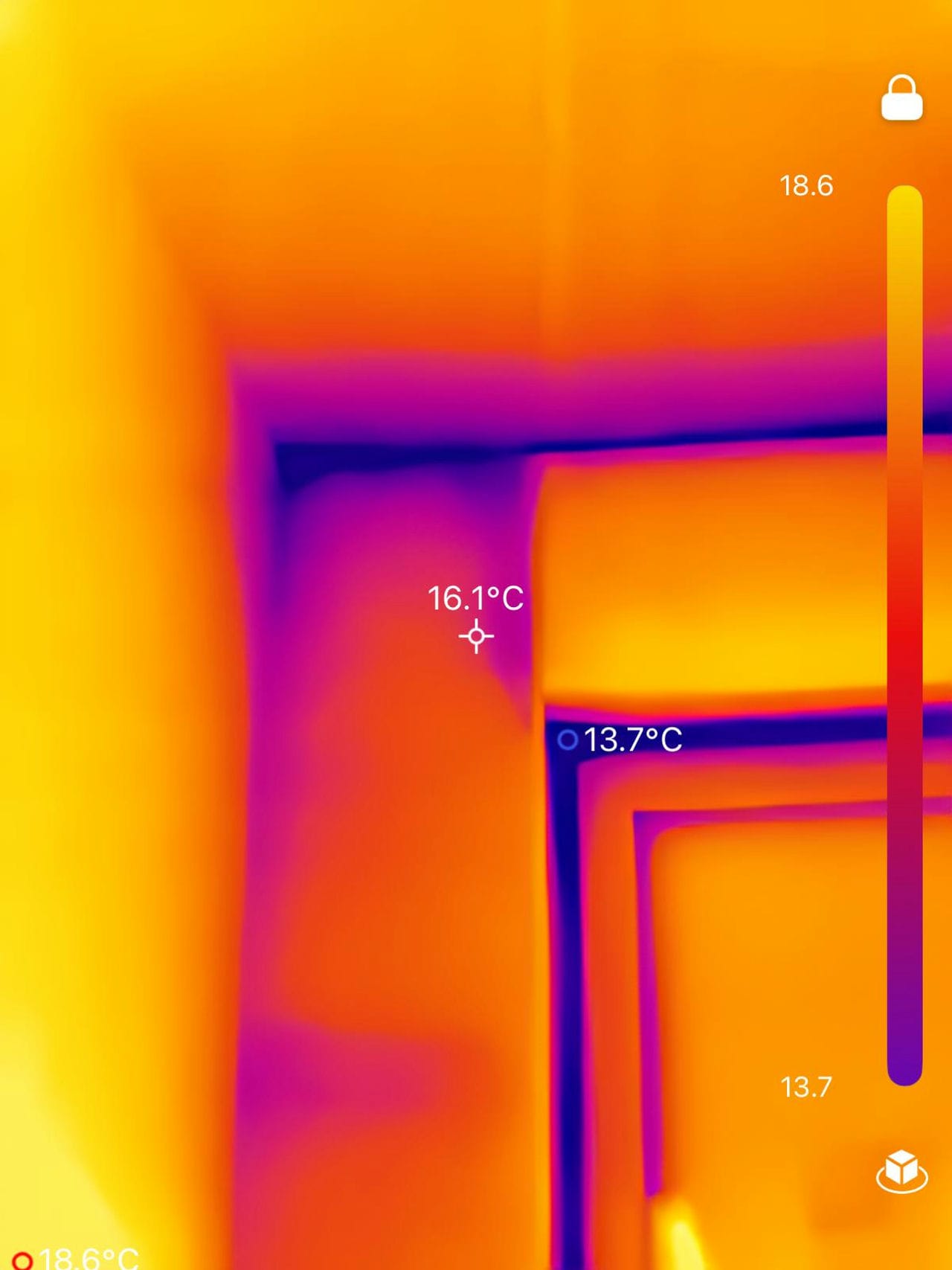
The thermal bridge draws straight lines. Framing, slab edges, and concrete elements conduct heat faster than the insulation around them, so they appear as regular, linear, repeating patterns — the wall’s skeleton showing through its skin, studs appearing as evenly spaced stripes. Bridges are expected where structure exists; the finding is a bridge where none should be, or one dramatically stronger than its neighbors.
The insulation void is a blotch with carpentry for edges. Missing or slumped insulation reads as an irregular patch, warmer or cooler than the surrounding wall depending on season — but bounded by the framing bay it sits in, its edges following studs and plates. That geometric containment is the tell: a stain spreads without respect for framing; a void is a prisoner of its bay.
The air leak feathers. Where the bridge is linear and the void is contained, air movement paints streaks, plumes, and comet tails — patterns that begin at a joint, a penetration, or a sill and fade with distance, and that strengthen or shift when pressure changes, which is why professionals pair the camera with a blower door that exaggerates exactly this signature. If a pattern moves when the wind gusts or the HVAC cycles, air is the author.
The moisture patch ignores the framing and obeys gravity. Damp materials read cooler than their surroundings in most conditions — evaporation chills them — in irregular, soft-edged shapes that pool downward from a source, cross framing bays freely, and persist when air-leak patterns would have shifted. Thermal imaging finds the suspect; only a moisture meter convicts it, and no inspection report should call a cool patch “moisture” on the camera’s word alone.
What the Image Cannot Tell You
A thermal camera reads surfaces, estimates temperatures within the accuracy limits covered in our guide to how accurate thermal imaging cameras are, and knows nothing about causes — the same cool streak can be any of the four patterns above until conditions, angles, and confirming instruments separate them. The reading discipline in one sentence: check the scale before the colors, check the surface before trusting the number, check your angle before trusting the pattern, and check with a second instrument before writing anything down. Cameras capable of all this at every budget are ranked in our roundup of the best thermal imaging cameras.
Frequently Asked Questions
What do the colors on a thermal camera mean?
Relative temperature within the current frame — bright tones warmer, dark tones cooler, mapped across whatever span the scene contains. The colors mean nothing absolute: the temperature scale at the image’s edge carries the numbers, and the same object changes color whenever the scene around it changes.
Which thermal palette is best?
Ironbow for general diagnostics — it balances intuitive reading with visible anomalies, which is why it ships as the default. Grayscale (white-hot) for detail and documentation, rainbow for coaxing small temperature differences out of low-contrast scenes like moisture tracing. The palette changes presentation, never data.
Why does shiny metal look cold on a thermal camera?
Because polished metal barely emits infrared — emissivity near 0.05 for polished aluminum — and instead reflects the radiation around it, so the camera reads the reflection in place of the surface. A patch of matte tape on the metal restores a true reading.
What does moisture look like on a thermal image?
An irregular, soft-edged patch, usually cooler than its surroundings because evaporation chills damp material, pooling downward from its source and crossing framing lines that contain insulation defects. It is a suspicion, not a verdict — confirmation belongs to a moisture meter.
Can a thermal camera detect mold?
No — mold has no temperature signature of its own. What thermal imaging finds is the moisture condition mold grows in, which makes the camera an early-warning instrument rather than a mold detector; confirming mold requires inspection and sampling where the moisture pattern points.
Resources
- Fluke Process Instruments — Emissivity Fundamentals and Material Values
- ThermoWorks — Emissivity Reference Tables
- Manufacturer palette and specification documentation (current handheld thermal cameras)
- Architecture Lab — What Is Thermal Imaging
- Architecture Lab — How to Use a Thermal Imaging Camera
- Architecture Lab — How Accurate Are Thermal Imaging Cameras
- Architecture Lab — Best Thermal Imaging Cameras


Please look at the following section:
6. Emissivity
Another important specification of a thermal camera is emissivity, which is the energy emitted by a surface in the form of infrared radiation. Now, don’t be alarmed if you see a tiny value, as this parameter ranges from zero to one. An object with zero emissivity is a perfect reflector, while that with an emissivity value of one is a perfect absorber that doesn’t reflect light at all.
This paragraph is talking about “IR”, yet, the word “light” is used in the very last sentence. So, is it “light” or “IR” ????
You’re right Robert, and thank you — the word there should simply have been infrared. Since you read that version, the article has been rewritten from the ground up; the current emissivity section works from emission efficiency, with a table of working values for common building surfaces. Comments this careful are exactly what those revisions are for, we are extremely grateful we had the opportunity to fix this, sincere thank you!